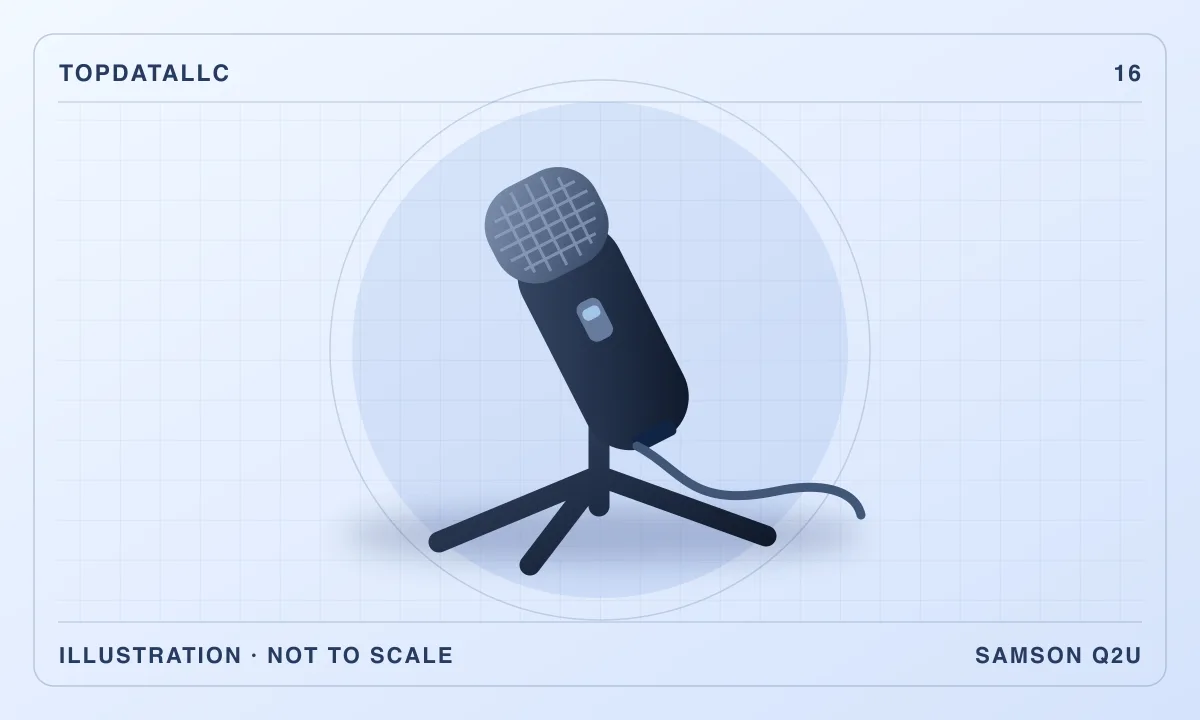
The Samson Q2U is most useful for someone who wants to record one speaking voice now and may want to use an audio interface later. The same microphone has USB and XLR outputs, so you can start with a computer connection and consider a mixer or interface when you have a specific reason for it. The decision depends more on where you can put the microphone and how you want to listen while recording than on the number of connections it has.
This review covers the black USB-C Q2U pack on the linked US listing. Samson's current product page also shows USB-C, while older guides and reviews may show a different USB socket. Check the actual unit and supplied cable if you buy from a listing that combines versions. Samson's specifications and published recordings and comparisons from independent reviewers inform the assessment.
Put the microphone where your voice actually is
The Q2U is a handheld-shaped dynamic microphone with a cardioid pickup pattern. Speak toward the end grille. A desk position that makes it look tidy from across the room may leave it too far from your mouth for a useful recording. Start by deciding where your head is while reading, looking at a guest or turning to check the screen. Then place the microphone close enough to speak at a normal level without leaning forward the entire time.
A cardioid microphone favors the sound in front of it. That can help when you can orient the mic so a steady noise source is away from its most sensitive direction. The shape of the pickup pattern does not make it soundproof. A hard wall can reflect your voice back, and typing beside the mic or tapping the stand can still be audible. Compare what you can fix by moving your chair, desk fan or keyboard with what you expect the microphone to fix.
The included short desktop stand makes a good first trial if the desk can put the mic at a comfortable angle. A tall monitor and a low desk can leave too much distance, especially if you sit upright. A compatible arm or a taller stand gives you more freedom to keep the microphone near your mouth and out of the camera frame. Check how a clamp would attach, whether the arm can reach the intended position and how much cable slack it needs when you swing it away.
Start with the USB connection if you have one speaker
On a one-person setup, USB is the simplest way to find out how the microphone fits your space. Check whether the supplied cable reaches a suitable computer port. Samson's current specification names USB-C on the microphone. Check the connector at the computer end as well, particularly on a laptop with few ports. Use a suitable data cable, and start with a direct connection when possible so an adapter or hub does not complicate the first test.
Select the Q2U as the input in your recording or conferencing app. If your laptop still uses its own microphone, moving the Q2U or adjusting its angle may have no effect on the recording. Make a short sample and listen back. Compare speaking with your head in the normal position and turning slightly to look at a screen. A useful setup lets you move naturally without losing too much level or clarity. If your voice drops sharply when you turn, move the notes or screen before buying a different mic.
Set the recording input with a typical speaking passage, including the loudest part you expect to record. Watch the app's input meter and leave room for louder words. If the recording distorts when you laugh or emphasize a word, reduce the input level and try again. If a quiet recording seems to demand more gain, compare a closer microphone position first. This is a practical way to identify a placement issue before changing several settings together.
Check how you will listen to yourself and to a guest
The Q2U has a headphone jack for monitoring in USB use. Samson describes direct monitoring of the microphone. This can be useful if hearing your voice through the recording program produces a distracting delay. Start with a comfortable headphone level and check both your voice and the return audio from the computer. Treat monitoring level and recorded input level as separate controls. Hearing yourself louder in the headphones is different from recording a louder track.
If you hear two copies of your voice, check whether you are monitoring directly and through the recording app at the same time. Turn off the unwanted monitoring path, then record and play back another sample. For a video call, check that you can hear the other person through the output you selected. Set the recording input and call output deliberately if you normally use another headset. An app can select a new device automatically after you plug it in.
Think about whether headphone monitoring matters for your actual use. It can help a solo narrator catch a cable scrape, heavy breath or movement before finishing a long take. Someone using the Q2U mainly for short calls may prefer the headphones already paired with the computer. If you use Bluetooth headphones for a call, check the app's audio settings and delay in that setup instead of assuming they will behave like wired monitoring at the microphone.
Decide when XLR earns a place in the setup
The XLR output is useful when you have a recorder, mixer or interface with an appropriate microphone input. It also gives you a route to a setup with separate controls for several voices. Connecting an XLR cable to a microphone does not by itself record anything. The rest of that signal path needs to power or connect as appropriate, take the microphone signal and send it to your recording system. Match the interface and cables to the workflow you intend to use.
For two people in the same room, plan separate microphone positions and decide how you want to handle their tracks. A suitable interface with multiple microphone inputs makes it easier to set each person's level and record them separately when your software supports that. Simply plugging multiple USB microphones into a computer can create device-selection or timing issues, depending on the software and operating system. Verify that your recorder can use the inputs together before buying a second microphone for the same room.
For one host and remote guests, the immediate benefit of XLR is less clear. You can use the Q2U over USB and let the recording service handle the remote tracks. Keep the interface purchase tied to a job you cannot do comfortably with the setup you already have. A physical level knob, multiple local microphones or portable recording without the computer are concrete reasons to explore it. The presence of XLR on the microphone lets you explore those options later.
Listen for the problems a closer microphone can reveal
Independent samples from Podcastage let you hear how this model responds to different distances, angles and background sounds in a documented setup. The Podcast Host also discusses practical podcast use and the short stand. Use those recordings to get a sense of the microphone's behavior. Your speaking voice, room surfaces, settings and placement still determine what you hear in your own recording.
A close microphone can make bursts of air on words with strong consonants more obvious. Start with the supplied windscreen if included and try placing the mic slightly to one side of your direct breath while keeping the grille aimed at your mouth. Speak a few sentences that contain the sounds you notice most. Adjust one thing at a time and compare recordings at similar levels. Keep the position that balances clarity with comfort.
Check for sound that travels through the desk. Type a short line, touch the tabletop and move a nearby cable during a practice recording. If a thump is more noticeable than the sound of typing through the air, consider moving the stand off that surface or trying a suitable mount. If the noise is a fan running constantly, try a different orientation or a quieter position. A microphone choice can reduce some annoyances while the physical setup remains the cheaper place to solve others.
Make room for the gear you will use every day
Take stock of the desk in its normal condition. A mic arm can keep the keyboard area free, but an arm coming from the wrong side may block the monitor or sit where you need to write. Try holding an object at the proposed microphone position while you read or speak into the camera. If the position is awkward for you, it will be harder to reproduce each time you record. Choose a stand position you can return to without moving the desk around.
Verify the box contents for the selected listing. Samson describes a stand, clip, windscreen and USB and XLR cables in its current Q2U pack. A used or differently bundled unit may have a different set of accessories. A complete pack can make sense for getting started on a small desk. If you already own a sturdy arm and a suitable cable, compare whether you need the kit or just a microphone compatible with your equipment.
For travel, consider the time it takes to re-create your setup away from the desk. Bring the correct cable, a stand that positions the grille sensibly and the headphones you use to check the recording. Make a sample before a scheduled session in a new room. A room with less echo and a stable microphone position can matter more than the choice between USB and XLR on that trip.
Check what changes when you move from calls to recording
For calls, your conferencing app may apply its own level control or noise processing. A podcast recorder may offer a different set of controls. Record the same short passage in the two apps you actually use and listen at a similar playback level. If a voice sounds good in one and cuts off at the start of words in the other, look at the app's microphone and processing settings before moving the stand or changing equipment.
Keep a note of the working settings and which input you chose. That helps after a software update or when you move the microphone to a second computer. An easy first-day check is to save a small recording, disconnect the microphone, reconnect it and make another sample. If the app returns to the correct input and the mic is comfortable to use, you have a repeatable setup.
Who should buy the Q2U
Choose it for one close speaking voice if you want straightforward USB recording and a plausible path to using the same mic with XLR gear later. Consider a compact USB microphone if you only need a fixed computer setup and want fewer connection options to manage. If you already have an interface and want several matched microphones for a shared room, compare XLR-only dynamic models and plan the stand, input and monitoring for each speaker.
Before deciding, picture a complete recording session. Know where the stand goes, which device the app should select, where the headphones connect and what you will do if a room sound gets into the recording. If the Q2U fits those choices, the two outputs make it flexible without requiring you to buy or learn the rest of the equipment immediately.