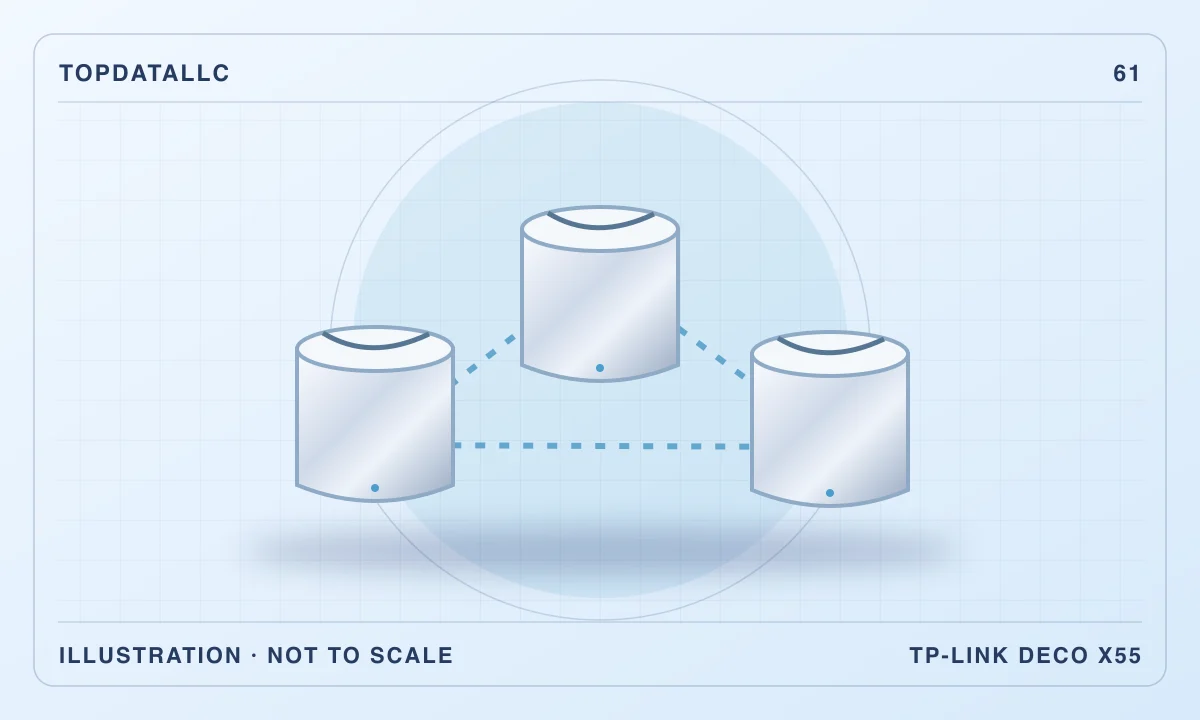
The TP-Link Deco X55 three-pack makes most sense when your problem is getting a usable connection into several parts of a home. Its appeal is the combination of small mesh nodes, useful Ethernet connections and an optional wired link between rooms. It is less convincing as an upgrade for someone whose existing router already covers the house, or whose main goal is using a multigigabit internet service at full speed.
This review covers the US three-pack. The X55 is a dual-band Wi-Fi 6 system, with Gigabit Ethernet rather than multigigabit ports. Those choices define the buying decision more clearly than the AX3000 label: you are buying a way to distribute connections, with practical limits on how traffic reaches each node.
Start by identifying the actual connection problem
A weak signal and a slow internet subscription can feel similar during a video call, but a mesh system addresses the former. Before replacing equipment, compare an ordinary task near your existing router with the same task in the difficult room. If both locations are consistently poor, investigate the service, modem and connected device before assuming more Wi-Fi nodes will fix it.
If performance falls away primarily in a distant bedroom or office, the X55 becomes a reasonable candidate. Think about where a node could stand between that room and the main connection. A socket inside the dead area is not automatically a useful installation point: the remote unit still needs a satisfactory path back through the network. Buying the kit without a placement plan leaves its main advantage to chance.
What the three-pack includes
TP-Link lists three Deco units, their power adapters and one Ethernet cable. Each unit has three auto-sensing Gigabit WAN/LAN ports. The same hardware can therefore serve as the main router or as another node, rather than requiring you to identify a uniquely powerful base station from the box.
That arrangement is convenient when planning rooms around wired equipment. A television and a desktop can connect locally without each needing its own long cable back to the main router. However, connecting a computer by Ethernet to a satellite does not make its entire route wired. If that satellite communicates with the main unit over Wi-Fi, the connection still depends on that wireless backhaul. This distinction matters when diagnosing an apparently wired workstation.
Understand the wireless specification
AX3000 combines advertised radio link rates across the two bands. It is not a promise that one laptop will download at that combined rate. TP-Link specifies conditional physical link maxima of 2402Mbps on the higher-frequency band and 574Mbps on the other; device capability, channel availability, interference and network overhead affect actual transfers.
Our buying interpretation is straightforward: choose this system for sensible household coverage, rather than purchasing a larger number printed on a box. A modern compatible laptop beside a node and an older phone several walls away are different workloads. If your aim is moving large files between a workstation and local storage, identify the complete path first. A stronger radio cannot remove a Gigabit port bottleneck or an unreliable link elsewhere in that path.
Wireless backhaul is convenient but shared
The X55 does not provide a separate third radio band dedicated to communication between nodes. Its dual-band design has to accommodate both household devices and mesh traffic. That makes installation easier than running cable, but it also means the location and workload of a wireless satellite deserve attention.
Imagine an upstairs office with simultaneous calls, cloud backups and a television stream nearby. The useful question is whether that node maintains acceptable performance during those activities, not whether a single speed test looks impressive while everyone else is offline. Test the busiest realistic combination during the retailer’s return period. An occasional peak result tells you less about suitability than a stable call while another household member uses the network normally.
When Ethernet backhaul is worthwhile
If your home already has suitable Ethernet runs, linking nodes by cable is a particularly useful reason to consider the X55. It removes the need for those particular node-to-node transfers to use the shared wireless connection. You can also place a wired node where it best serves its room instead of balancing client coverage against a wireless route to the main unit.
There are still limits. The ports remain Gigabit, and one port used for backhaul is unavailable for another direct device connection. A switch may be useful when several wired devices share a room, but include that purchase and its power supply in your plan. Count physical connections before ordering. A diagram of the modem, main node, satellites and computers can expose a missing port more effectively than reading another coverage claim.
Router mode versus access-point mode
The current US specification lists both router and access-point operation. Which one suits you depends partly on what your internet provider’s equipment must continue doing. Some households can use provider equipment in an appropriate modem or bridge configuration; others need its routing or bundled services to remain in place.
Do not assume that replacing its Wi-Fi means disconnecting every provider device. Check the provider’s instructions, including any requirements for television or telephone services. Access-point mode can be the sensible route when existing equipment must handle routing, but available Deco features can differ by mode and firmware. If a particular control is essential, verify it for that configuration before buying. The simplest network is usually the one whose responsibilities you can explain clearly.
Setup and account ownership
The manufacturer’s guide uses the Deco app and a TP-Link ID for initial setup. That is convenient for people comfortable managing equipment from a phone. It is a less natural fit if you want a wholly browser-managed system with no vendor account in your routine.
Choose an account that the household can recover and document which person manages updates. This is ordinary ownership planning, especially for a shared home where the person buying the kit may later move out. Keep internet-provider details available before starting and allow time to reconnect equipment. Reusing an old wireless name can simplify some devices, but it is still worth checking printers and other less visible connections individually rather than assuming every device migrated successfully.
What independent testing adds
Windows Central’s original home installation found the X55 easy to set up and useful in an older house with difficult walls. HighSpeedInternet’s own testing also found credible Wi-Fi 6 performance and useful wired connectivity, while highlighting the limitations of Gigabit ports and a dual-band mesh design. These are observations from their installations, rather than measurements made by TopDataLLC.
Their findings support considering the kit for a coverage problem; they do not establish how many walls it will cross in your home. Treat a review’s floor plan as context. Building materials, neighbouring networks and the location of the incoming connection can change the result. Your own placement trial is therefore part of the purchase decision, even when several independent accounts describe successful installations elsewhere.
Avoid buying too many nodes automatically
A three-pack is useful when your layout benefits from several connection points. It is not automatically better than a smaller kit in a compact apartment. More equipment means more sockets, another object to accommodate and another placement decision. Start with the areas that actually need service, rather than distributing units evenly just because the box contains them.
For example, a long home with the modem at one end presents a different problem from a small flat with a central router. Sketch where work and entertainment happen, then consider whether walls or floors interrupt those routes. If only one awkward desk needs a reliable connection and cable is practical, a direct Ethernet connection may be a simpler purchase than a complete mesh system.
Paid features and changing firmware
TP-Link distinguishes a free HomeShield tier from paid services. Basic networking should be evaluated separately from any subscription control you hope to use. Check the exact feature and its recurring terms rather than assuming every security or family-management item on a marketing page is included indefinitely.
Hardware versions also matter. The current specification describes features that may depend on a particular version or software update. Older reviews can therefore accurately describe an earlier limitation without describing today’s firmware. Keep the hardware label and use the matching support route for updates. Our recommendation does not depend on promising any specific optional VPN or subscription feature; if one determines your purchase, confirm it independently for the exact unit offered.
Comparing sensible alternatives
A single router remains the better starting point when coverage is already satisfactory and you chiefly need different ports or management controls. The existing Archer AX55 guide addresses that style of purchase. Changing from one adequate router to multiple mesh nodes can add complexity without improving the activity that prompted the purchase.
A higher-tier mesh system with multigigabit connections is a different consideration when your wired service and devices can actually use them. A system with a dedicated backhaul band may also deserve comparison when wireless satellites carry demanding traffic and wiring is impractical. Neither feature alone guarantees a better experience through your particular walls. Compare a complete proposed installation, including node count and placement, rather than buying a premium category name without a corresponding need.
Guest access and older household devices
A separate guest network can be useful when visitors need internet access without using the household’s main credentials. TP-Link lists guest-network support, but isolation behaviour and management options should be checked in the operating mode you choose. Decide what guests actually need: reaching the internet is different from reaching a shared printer or casting to a television on another network.
Older connected appliances are another reason to retain a practical setup checklist. Keep their own pairing instructions nearby and check their supported wireless settings. If a printer fails to reconnect, establish whether the issue is its stored password, setup mode or network compatibility before blaming mesh coverage. These small connections are easy to overlook during an otherwise successful installation. Test them while the old configuration is still documented, rather than discovering a missing household function during the next workday.
A useful return-period assessment
After installation, test the places you actually sit, including the awkward room that justified the purchase. Use the household’s normal devices. Check a real call, a download and any local transfer you depend on, then repeat during a busy evening. Observe whether a problem follows a particular device, room or node before moving everything at once.
Change one placement at a time and keep brief notes. That gives you a practical basis for deciding whether to keep the system, use wired backhaul or try another approach. Also check the less dramatic requirements: whether the nodes fit their intended shelves, whether cables are tidy and whether an important wired device remains reachable. An installation that is fast but constantly in the way is not finished.
Who should buy the Deco X55
The X55 is a sensible shortlist choice for a household that needs broader coverage, accepts app-based management and can place the nodes deliberately. Its Ethernet connections make it particularly useful when several rooms contain wired devices or when existing cabling can carry backhaul. Those are concrete benefits that remain relevant without promising coverage of a particular area.
Skip it when your only goal is faster-than-Gigabit wired service, when a satisfactory single router already meets your needs, or when you require a management feature that has not been verified for the exact hardware. The best outcome here is a more dependable connection where you work and relax. Choose the kit only if its layout, connection limits and ownership requirements support that outcome in your home.