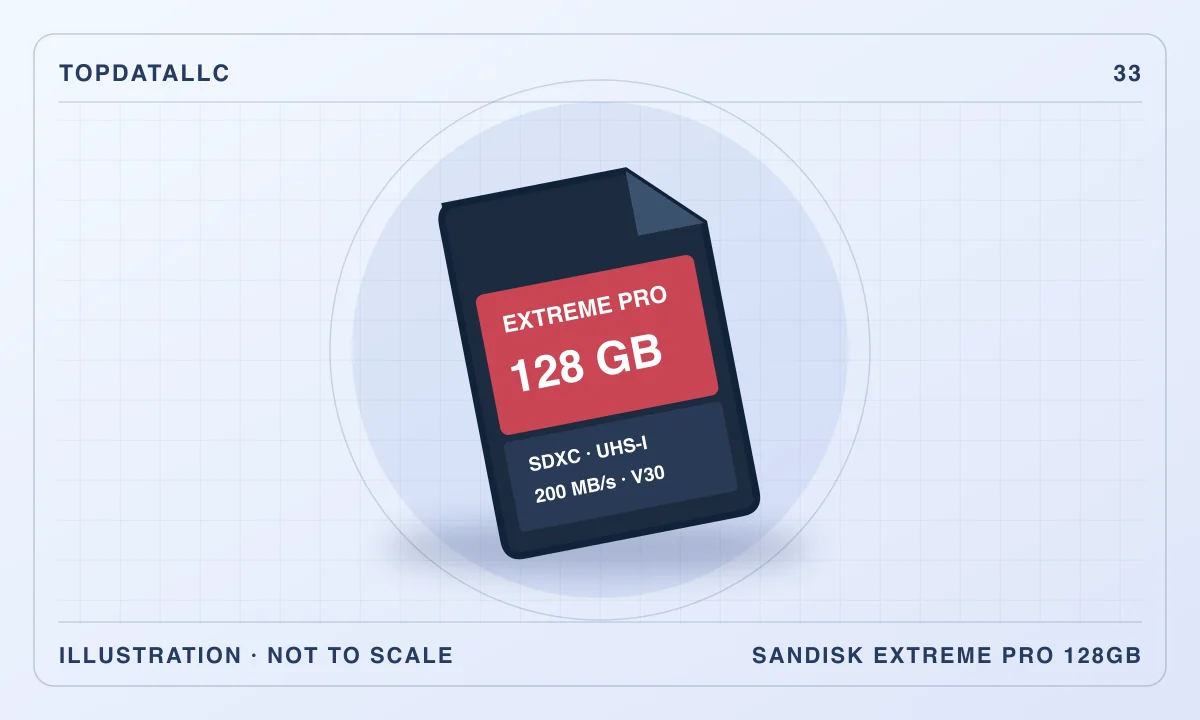
The SanDisk Extreme PRO 128GB SDXC UHS-I card makes sense when a compatible camera needs a full-size memory card for ordinary photography or a recording mode that accepts its speed class. The large number on the label is only one part of that decision. Camera compatibility, the selected video format and the card reader you use afterward can matter more than the advertised maximum transfer rate.
This research review covers the SDSDXXD-128G-GN4IN version marketed with a maximum read speed of 200MB/s. SanDisk has sold other Extreme PRO generations with similar names and different speed labels. Match the complete part number. SanDisk's data sheet and SD Association guidance establish the important distinctions, while independent camera buying guidance provides context for choosing a card around the job.
Begin with the camera's card requirements
Open the manual for your exact camera and find its approved card types and recording requirements. A full-size slot establishes the shape, but it does not by itself establish support for SDXC or every capacity. The SD Association distinguishes SD, SDHC and SDXC compatibility. A camera limited to an older standard may not accept this card even though it fits physically.
Next, identify what you intend to record. Casual still photographs, long bursts of raw files and high-bitrate video ask different things of storage. A camera may accept the card for photographs while requiring a different class for a particular video mode. Read that mode's requirements rather than relying on a general description of the camera.
If you use several bodies, make a separate compatibility note for each. A card that works in one camera can create confusion when moved to another with different limits. Label cases or organise cards by camera if that reduces the chance of choosing the wrong one during a busy shoot. The aim is a known working combination, not a universal card chosen from its packaging alone.
Separate read speed from recording speed
SanDisk's maximum read figure describes moving data from the card under specified conditions. It should not be treated as the speed at which a camera can continuously write footage. For this 128GB generation, the data sheet lists a maximum write speed of 90MB/s and a maximum read speed of 200MB/s. Neither maximum is a minimum sustained recording guarantee. The highest read performance uses proprietary QuickFlow support in compatible devices, so the reader is part of that claim.
That distinction affects the buying decision. If you mainly wait for photographs to copy to a computer, the offload path matters. If the camera stops during a recording or struggles to clear a burst, the relevant issue is its write requirement and the camera-card combination. Buying a card with a larger read number may leave that second problem unchanged.
The UHS-I name also needs context. SanDisk's headline maximum goes beyond the standard UHS-I bus figure through its proprietary arrangement. An ordinary reader can still be useful, but it may not unlock the advertised peak. Compare the reader's documented compatibility before replacing a working card solely because an offload test falls below the number printed on it.
Interpret the speed-class symbols correctly
The card carries U3 and V30 markings. The SD Association explains these as minimum sequential-write performance classes under their respective conditions. They are different from the manufacturer's maximum read claim. A buying decision should use the class the camera asks for, alongside the manufacturer's compatibility information.
Do not assume that the phrase 4K settles compatibility. Video recording at the same resolution can have different data rates and compression settings. A camera may require a higher class for one format, frame-rate option or recording workflow. If the manual asks for V60 or V90 for your intended mode, this V30 card does not become an equivalent choice because both packages mention high-resolution video.
For still photography, burst depth depends on the camera's buffer, file size and write path as well as the card. A faster compatible card can be relevant, but do not expect it to change every part of the shooting process. Identify whether your current limitation occurs while capturing, while the buffer clears or while files copy to the computer.
Work out a useful capacity without guessing
The 128GB label describes nominal storage. The camera's available space display and practical file count can differ because of formatting and how capacity is reported. There is no reliable universal number of photos or minutes of video for this card. Your file format and recording settings determine the useful amount.
Use files from your own equipment to estimate the requirement. Look at the size of a typical recent shoot, allowing for bursts, alternate takes and the possibility of keeping both raw and JPEG files. For video, use the camera's own recording-time guidance at the intended setting. That approach is more useful than comparing an unexplained capacity chart from another camera.
Think about the consequences of keeping an entire event on one card. A larger capacity reduces changes, but it can also concentrate more work on one piece of media. Several smaller cards bring their own handling burden. The right choice depends on your backup routine and how reliably you manage full and empty cards during the job.
Check the card-reader path
A full-size SD reader is needed for offloading unless the camera provides a suitable direct-transfer method. If your laptop has a reader, check its standard and performance. The shape of the slot does not establish that it supports SanDisk's proprietary peak rate. A USB adapter adds its own interface and cable to the route.
Consider the destination too. A fast reader cannot make a slow or nearly full destination drive copy data at the same headline rate. Nor will changing the card necessarily accelerate a transfer interrupted by image-processing software or another heavy task. Evaluate a representative folder copy in the environment you actually use.
If you buy a new reader, confirm that it supports the feature you are paying for. A reader advertised for UHS-II may be excellent for other cards without necessarily providing the proprietary maximum for this UHS-I model. Buy around a documented match. It is reasonable to keep a slower existing reader if the occasional extra wait does not affect your work.
Make the first use a compatibility check
Before an important trip or assignment, use the card in the intended camera and recording mode. Follow the camera manufacturer's formatting procedure. Make a short representative recording or a normal sequence of photographs, then open the resulting files on the computer. This checks more of the workflow than seeing the card recognised in a menu.
Try the demanding mode you actually plan to use. A few small JPEG files do not establish that a long video session or repeated raw bursts will behave as required. If the camera reports a card-speed or compatibility problem, return to its requirements and confirm the exact card variant rather than repeatedly changing unrelated settings.
Keep the existing working card available until the new arrangement is familiar. The purpose of an initial trial is to discover a mismatch while you can still change the plan. It cannot prove that any storage device will never fail, but it can prevent an obvious compatibility error from becoming a problem during an irreplaceable event.
Treat the card as working storage
After a shoot, copy the files to the intended destination and check that they can be opened. Keep an additional independent copy where the material matters. A folder on the same card is not a separate backup, and a card left in the camera can still be lost with the camera.
Do not erase the card merely because a transfer dialog has closed. Check that the expected folders and files arrived and that your backup routine has run. For an important recording, inspect enough of the file to establish that it is readable in the software you need. A thumbnail alone is a limited check.
Organise used and empty cards differently. A simple case orientation, written label or consistent storage pocket can reduce accidental reuse. Whatever system you choose should be obvious when you are tired and moving quickly. The card's technical specification cannot compensate for a workflow that makes it difficult to tell which media contains the only copy.
Handle and identify the exact version
This is a full-size SDXC card, rather than a microSD card supplied with an adapter. That matters for the physical slot and for keeping the buying comparison accurate. Similar-looking listings can combine several capacities, generations and form factors. Check the selected option again before completing an order.
Buy from a seller whose identity and support route you can verify. Packaging alone is not proof of authenticity, and an attractive photograph does not establish which model will be delivered. Keep the order details and product packaging until you have checked the card's identity and basic operation. Avoid making a purchase decision from an unusually large capacity claim without a credible specification.
Follow the camera's handling guidance, including shutting down or waiting for write activity to finish before removing media. Keep the card contacts and case protected during transport. SanDisk describes environmental resistance, but those claims should not be treated as permission to handle working storage carelessly or as a substitute for a backup.
When another card is the better choice
Choose an appropriate UHS-II card if your camera and intended workflow require or benefit from that standard. Check the necessary speed class and the camera's actual implementation. Paying for a faster card can make sense, but only when the rest of the system can use the capability you are purchasing.
Choose a different capacity when your normal session size makes 128GB awkward. For a short outing, a smaller compatible card may be enough. For long recordings, another capacity or a different media type might be required. Some cameras use CFexpress for demanding formats, which is a separate hardware choice rather than an upgrade achieved by selecting another SD card.
For a basic device that accepts this model but records modest files, a less expensive compatible SDXC card may be sufficient. Compare documented requirements and a realistic offload routine. Extreme PRO is a product family name, and its premium positioning does not make every device faster.
Think about the second card slot separately
If your camera has two card slots, read its recording options and the supported media for each. They may not be identical. The camera can also treat two cards differently depending on whether it is making a second copy, separating file types or continuing onto the next card when one fills.
Choose the mode around what you need to preserve. Continuing to a second card increases available recording space, but that does not by itself create a backup of material on the first. A simultaneous second copy can be useful where supported, yet it still leaves both cards in the same camera until you remove and store them separately.
A slow or incompatible card in one slot can also affect a workflow that depends on both. Check the camera maker's instructions for the exact recording arrangement, rather than buying a premium card for one slot and assuming the other no longer matters.
The buying decision
The strongest reason to choose this particular SanDisk card is a known match between the camera, the recording mode and the offload setup. Its full-size format, SDXC capacity and UHS-I speed class are concrete characteristics you can compare. The advertised maximum read rate has additional reader requirements and should be evaluated separately.
Check the part number, camera manual and selected capacity before ordering. Then plan the first-use trial and the backup destination. If those checks line up, the 128GB model can serve a practical photography workflow. If the camera asks for a different media class, choose that class directly and avoid expecting a familiar brand name to overcome the mismatch.