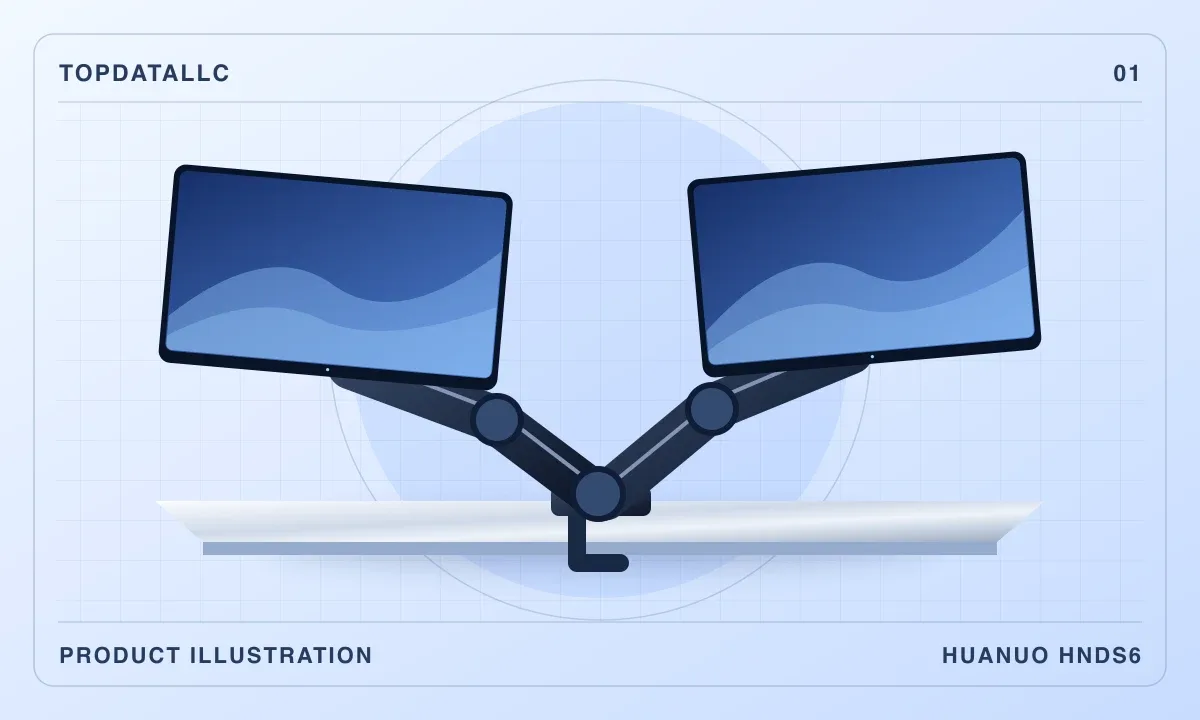
The HUANUO HNDS6 makes sense when two monitor stands take up space you want back for a keyboard, notebook or small speakers. The arms share a base and move independently. Before ordering, measure the spot where that base will go. A desk can have plenty of room on top and still have nowhere for a clamp to sit underneath.
Check the screens before measuring the desk
Find the weight of each monitor without its original stand and check the mounting pattern on the back. The current US DS6 Essential page lists screens from 13–32 inches and a 4.4–19.8 lb range per arm. It specifies VESA 75 × 75 mm and 100 × 100 mm mounting patterns. Check the limits in the manual supplied with your particular arm. PCWorld evaluated an older HNDS6 version with a lower rating, so its figures and the current product page describe different versions.
Try the clamp position on paper
Decide where the screens should sit, then look underneath that part of the desk. A rear apron, drawer frame or cable tray can block the lower clamp plate. Check the desktop material and thickness against the manual. If you plan to use a grommet opening, check the hole size and whether you can reach the underside to secure the mount.
Leave room behind the screens for the arms to fold. If the desk sits flush against a wall, moving the monitors forward to make room can cost you some of the space you hoped to gain. PCWorld found the arm useful for lifting the displays on its test unit and reported that installation and cable routing took some patience. Lay out the power and display leads with enough slack for the full range of motion.
When to choose separate arms
Two individual mounts give you more freedom to choose base positions, especially if one screen needs to sit far off-center. Keep the original stands if your desk has no suitable mounting point. The HNDS6 is a sensible shortlist choice once both monitors and the desk pass the fit checks.
Our assessment uses manufacturer documentation and published independent testing.