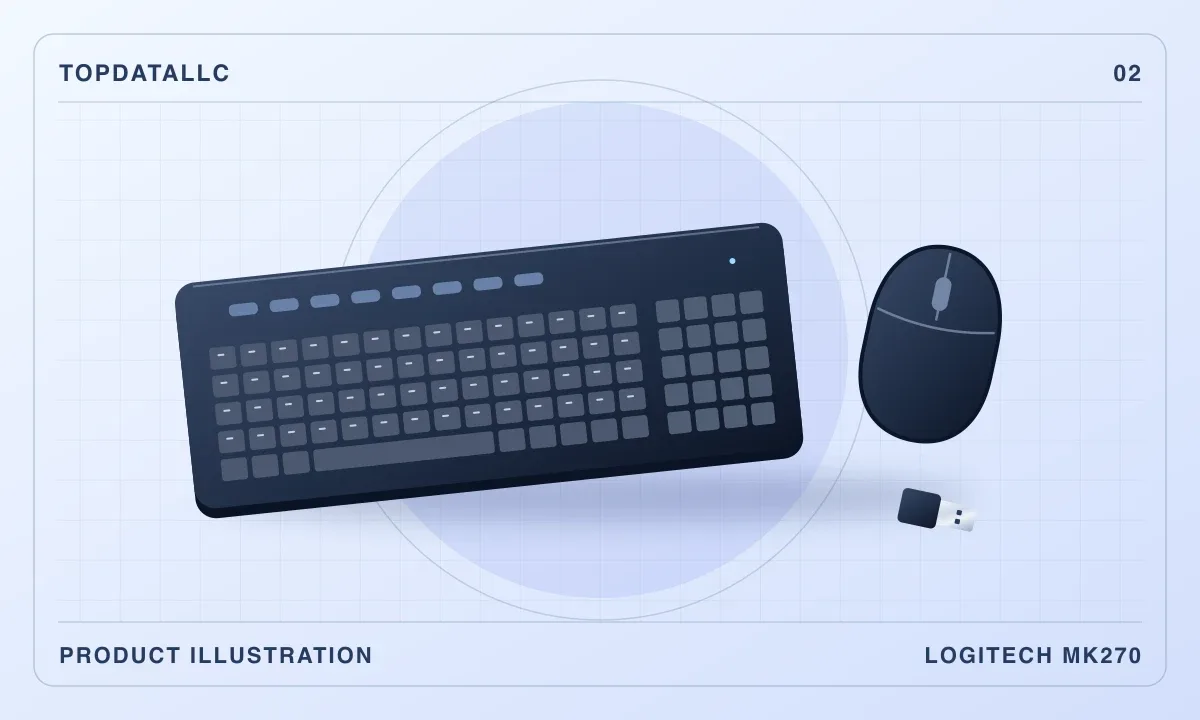
The Logitech MK270 suits a desk where the keyboard and mouse stay paired to one computer. You get a familiar full-size layout with a dedicated number pad, a small mouse and one receiver for the set. If you spend time entering invoice totals or working in spreadsheets, the number pad is the strongest reason to pick it.
Find a place for the receiver
This US version, part 920-008813, connects through the supplied USB-A receiver. Logitech lists Windows and ChromeOS compatibility. Check your computer for an available rectangular USB-A port. If your laptop only has USB-C, factor in a compatible hub or adapter. If you move the keyboard between devices every day, look for a set that explicitly supports multi-device switching.
Check the space beside the keyboard
A number pad adds width on the side where many people put the mouse. Before you order, place your current keyboard where you want it and mark the room you need to move the mouse. If the mouse has to sit at the far edge of a narrow desk, a compact keyboard may give you a more practical layout. The included mouse is small and can be held in either hand. People who prefer to rest their whole palm on a mouse may want to choose that part separately.
Consider the room you type in
TechGearLab found the familiar keyboard layout worked well in its typing trials and noted some audible key rattle. That matters if you share a quiet office or take calls with a microphone close to the keyboard. The keys also lack backlighting. If you work in a dim room, check whether your desk lamp gives you enough light to read the labels.
The MK270 is a straightforward option when you need a matched set, use the number pad and have a suitable USB port. The linked listing is the US layout. Check the part number if the placement of symbols or the shape of the Enter key matters to you. Our assessment draws on the Logitech datasheet and TechGearLab’s published findings.