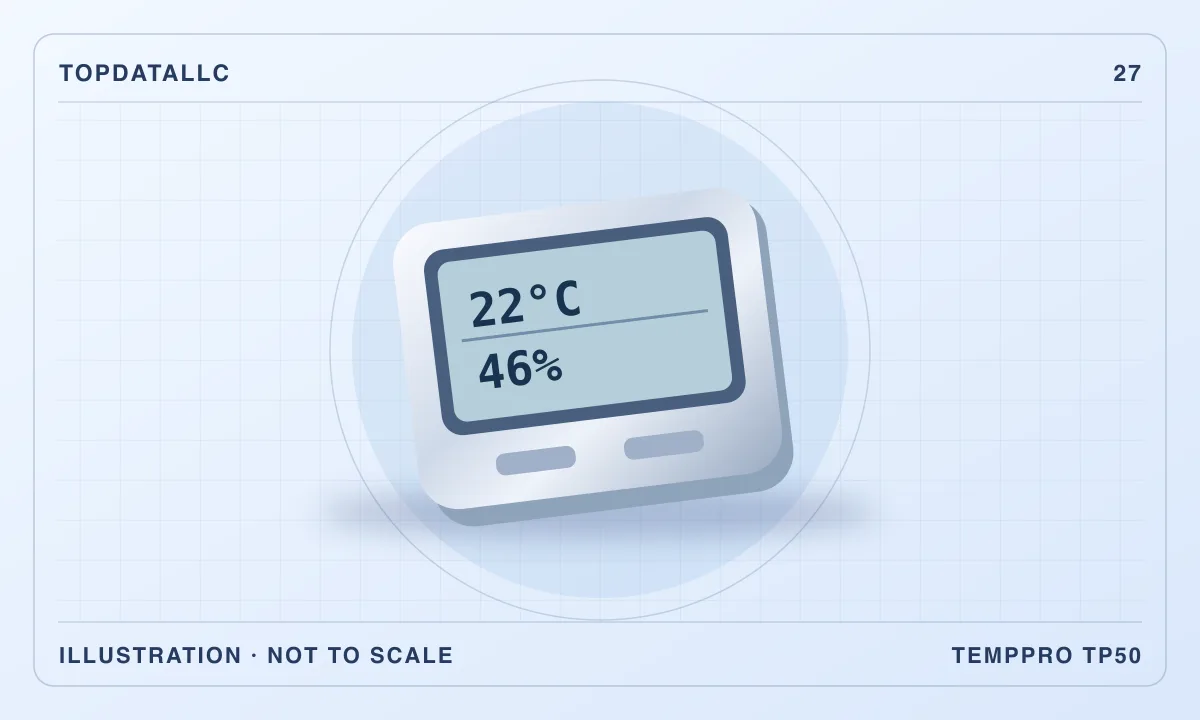
The TP50 is a small indoor display that shows temperature and relative humidity and records highs and lows between resets. It is useful when you want to know what is happening near a desk, cabinet or other indoor spot without opening an app. Its biggest limitation is also what makes it easy to use. You get an immediate reading and recorded extremes, with no timed history to show when a change happened or how long it lasted.
This review covers the TP50 Amazon US listing, which now uses the TempPro name. ThermoPro's TP50 instructions describe the controls and mounting options for the model family. Confirm the package and manual for the unit you receive. Independent TP50 coverage offers additional observations about readability and everyday use. Neither source can establish the accuracy of a particular unit in your room.
Pick a question that a spot reading can answer
Decide what you want to learn. You might want to compare the part of the office where you sit with the area near a window, or see whether a shelf stays warmer than a room's central thermostat suggests. A display you can read when you walk by is useful for that kind of observation. If you need to know the exact time conditions changed overnight, a logging model is more appropriate.
Think about whether you care most about a current number or about how it moves over a day. The TP50 can help you see a pattern if you check it at the same times and write down the results. Its stored extremes add context between those checks. A single change in the maximum reading may be interesting, but you will need another measurement or observation to know what caused it. Buy this model for simple checks and manual comparisons.
If you want to compare two spots at once, a second display may be useful. Before separating the displays, put them side by side for a while and see whether they settle near one another. Small differences can reflect unit variation, even in the same place. Keep that difference in mind before interpreting a similar gap across rooms. For a recurring measurement that must be precise, check the instruments and method required for that task.
Put it where the reading means something
The TP50 reports conditions at its own location. A unit clipped to a metal surface, sitting above a warm device or mounted where sun falls on it can tell you about that spot rather than the room in general. Set it where the air can reach it and consider the surface and any nearby source of heat or cold. Take one baseline reading at a representative location before comparing more unusual positions.
The manual describes a fold-out stand and a magnet. The stand is useful for a shelf or tabletop where you want to see the screen from nearby. A magnetic position saves space when the surface is appropriate. Check whether the door or appliance gets warm, moves often or sits in a draft. If your question is about the space next to that surface, that position may be relevant. If you want a room-wide reading, move the display away from effects you are trying to average out.
After moving the display, give it time to settle before comparing the number with the previous position. A reading during the transition can reflect both conditions. Check it again later with the instrument still in the same spot. The waiting time depends on the device and the size of the change. For a useful comparison, repeat the procedure and record the placement as carefully as the number.
Read the two numbers together
Relative humidity depends on temperature as well as the amount of moisture in the air. If a location cools, its relative humidity can rise even when the amount of moisture has changed little. Read temperature and humidity together when you compare places. A high or low display value on its own does not tell you the cause. If the number changes when the sun reaches the instrument, reconsider the placement before drawing a conclusion about the whole room.
Use consistent units for temperature. The manual describes switching between Celsius and Fahrenheit. If other devices in the room display a different unit, change one so you can make a direct comparison. Keep the readings at similar times and under similar conditions. A thermostat elsewhere in the building may be measuring a different zone or responding at a different rate. A difference is a prompt to check the context, not a diagnosis.
The display includes a comfort indicator. Treat it as a broad interpretation of the measured conditions according to the device's rules. A category on the screen does not tell you whether a specific space or material is suitable for its intended use. For a task that depends on required conditions, consult appropriate guidance and use a measuring method with the needed accuracy. The TP50 is most useful when you want to notice and record a change.
Use the highs and lows deliberately
Read the manual for clearing the recorded extremes. A reset is useful when you want the values to describe a specific window. For example, clear the memory before a normal afternoon and read the current values and extremes at the end. Record the start and finish times yourself. Without those notes, the numbers can be hard to connect to a particular use of the room or adjustment to the heating.
The highs and lows do not show the sequence of events. If you discover that the temperature rose and the humidity fell sometime in the interval, you cannot tell from the display whether the changes occurred together. A short extreme and a sustained condition can also produce the same displayed maximum. If duration and timing are part of your question, compare a logger that can show a graph and export a record.
Keep in mind that extremes can reflect a change in where the monitor was placed. If you move it from a colder room to a warmer one without clearing its memory, the minimum may still describe the old location. Check the current values first, then reset if you want the next interval to refer to the new spot. For a multi-room comparison, note which location each number belongs to.
Check readability, battery and everyday access
The screen is designed to be read directly. Think about where your eyes will be when you check it. A display on a low shelf can be less convenient if you have to crouch to read it. On a desk, make sure the unit will not be hidden by a monitor stand or papers. An independent TP50 review describes a straightforward display for the price class. Your viewing angle and light decide how useful it is in your space.
The manual specifies battery power. Check the package and install the correct battery as directed. A battery-operated display can be placed without planning an outlet. It also needs to be somewhere you can get to when the battery needs attention. If the screen becomes unreliable, consult the troubleshooting guidance and check the power before interpreting a surprising reading.
Decide how often you expect to check it. If you want the number where you can glance at it while working, a basic standalone display is sensible. If you want to know when a place changes while you are away, choose a model whose app and alerts are documented for your equipment. Check how it connects and whether it can store data when it is not connected.
Keep a short observation log without overreading it
For a home-office comparison, choose a fixed reading time near the beginning and end of a normal workday. Record the room, the height of the display and whether the room was being used as usual. Record the temperature and relative humidity together. If you later move the display, mark the new location in the notes. One clear week of comparable readings can be more useful than a longer list collected in different places and at arbitrary times.
If you make a change, such as shifting the desk away from direct sunlight, keep the instrument in the position you intend to compare and note the change. If several things changed at once, treat the result as an observation rather than evidence for one cause. A day with different weather or different use of the room can look like the effect of the change you made. Repeat the observation under similar conditions before relying on it.
Compare instruments with a consistent method
If the TP50 and an existing display disagree, compare them side by side. Keep both away from surfaces or airflows that affect one more than the other. Allow time for the readings to settle and check them again. The difference you observe includes the variation of both instruments, so it does not show which one is correct. Check the manufacturer's stated limits for each unit before judging the disagreement.
If the difference matters to the task, use an appropriate reference instrument or method. For an informal room comparison, you can use the same TP50 in both spots and keep placement and timing consistent. For a process with strict thresholds, choose an instrument whose accuracy, calibration and recording features match the process. The simple display is a useful general observation tool within those limits.
Consider the screen when other people need the reading
A small display can work well if you check it yourself from the same position. In a shared space, put it where the people who need the number can see it and know what its recorded extremes refer to. A brief note with the reset time or the location can avoid confusion. If someone will reset it regularly, show them how and decide when the new interval starts. Otherwise the stored value can be interpreted as belonging to the wrong part of the day.
If the goal is to compare results with someone away from the room, decide how you will share them. Manual notes or an occasional photo are enough for a simple check. If you expect to collect readings frequently or want them automatically recorded in one place, an app-connected logger may save more effort than the TP50's lower setup burden. Check how the data can be retrieved before choosing it for that reason.
Compare the TP50 with a logger or a larger display
A basic display is enough when you want to see what is happening now and notice broad changes. A second basic unit can make sense for side-by-side locations. A logger earns its cost when you need timestamps, multiple days of history or an export. A larger screen can be the better choice if the main problem is reading it across a room rather than collecting more data.
Choose the TP50 for a straightforward indoor check if you can name the location, can read it at the distance you want and only need current readings and extremes. Test that position before deciding what the numbers mean. The more useful purchase is the instrument whose record matches the question you want to ask. If the question is about the time or duration of an event, start with a logger instead.